How I Earned the Google IT Support Professional Certificate and What It Taught Me About Tech

I’ve always learned best by doing. That’s how I was trained in the Marine Corps and how I’ve run my business for years. When something breaks, I figure it out. That same mindset is what pulled me toward IT.
When I decided to take a real step into tech, the Google IT Support Professional Certificate felt like the right starting point. It’s designed for beginners but still challenges you to think critically. It expects you to understand why something works, not just memorize what it is.
This post is about how I earned that certification, what I learned from it, and how it’s helping me prepare for what’s next in my IT journey.
Why I Chose Google IT Support
The Google IT Support program makes learning tech approachable without watering it down. You don’t need experience to start, but you do need consistency. The lessons start simple and gradually pull you into more technical topics like networking and system administration.
What stood out to me was how practical it was. You aren’t just learning definitions. You’re troubleshooting, setting up users, and understanding how real help desks work. It reminded me of running my own business, where structure and problem solving go hand in hand.
The biggest thing I took from the Google IT Support program wasn’t just how computers work. It was how IT professionals think.
That mindset shift was huge. Once I stopped trying to memorize everything and focused on thinking like a technician, everything started to make sense.
What the Program Covers
The Google IT Support Certificate is made up of five main courses. Each one adds another layer of understanding.
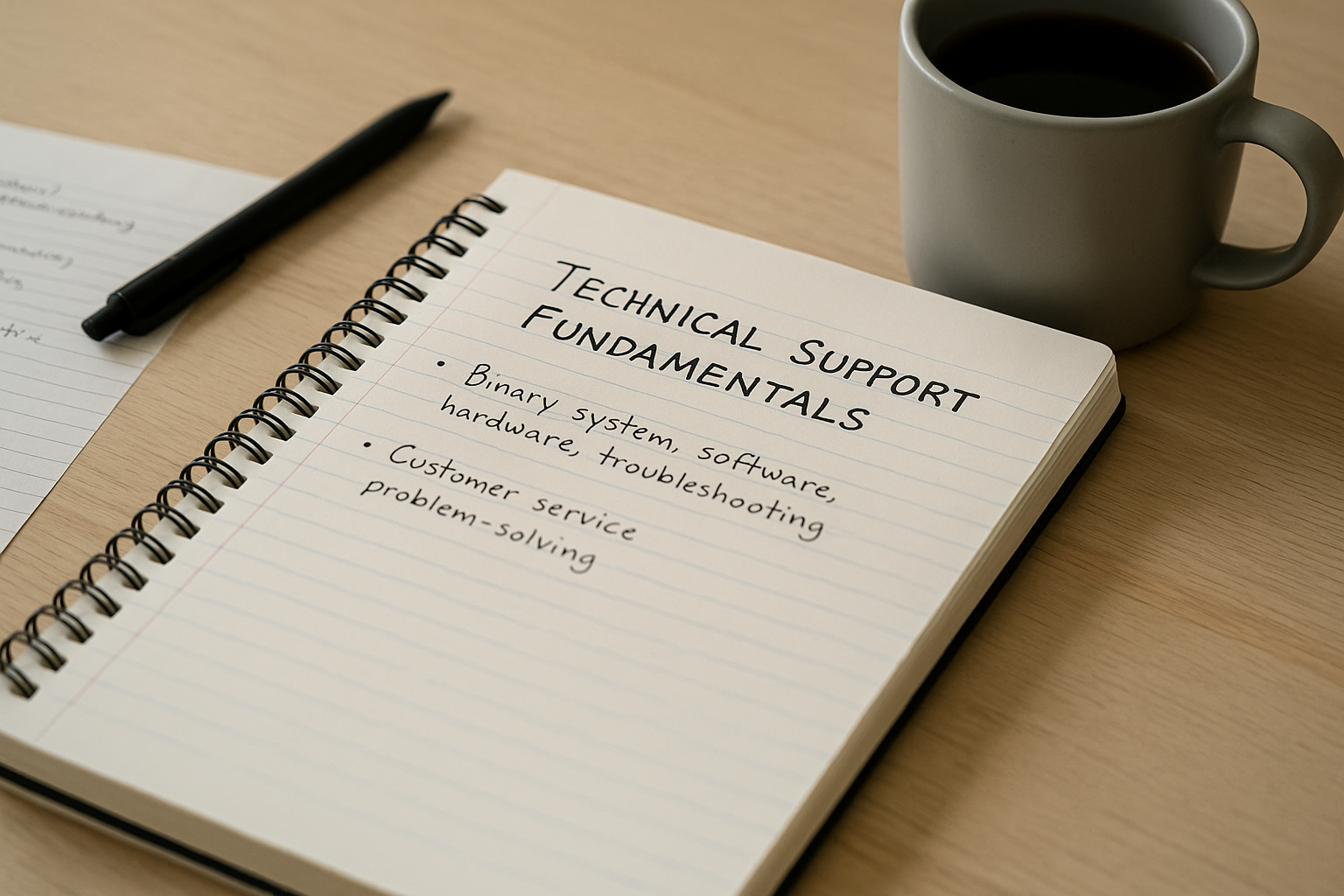
- Technical Support Fundamentals – An introduction to computer hardware, software, and the basics of troubleshooting.
- The Bits and Bytes of Computer Networking – Covers how devices communicate, IP addressing, DNS, and routing.
- Operating Systems and You – Teaches the essentials of Windows and Linux along with command line basics.
- System Administration and IT Infrastructure Services – Explains how large systems are managed and maintained.
- IT Security: Defense Against the Digital Dark Arts – Focuses on security principles, threats, and best practices.
By the time I finished, I could break down how a computer connects to the internet, how to fix common OS problems, and how to set up user accounts in different environments. More importantly, I understood how all of it fits together
It’s one thing to read about IT. It’s another to fix something yourself and see it actually work.
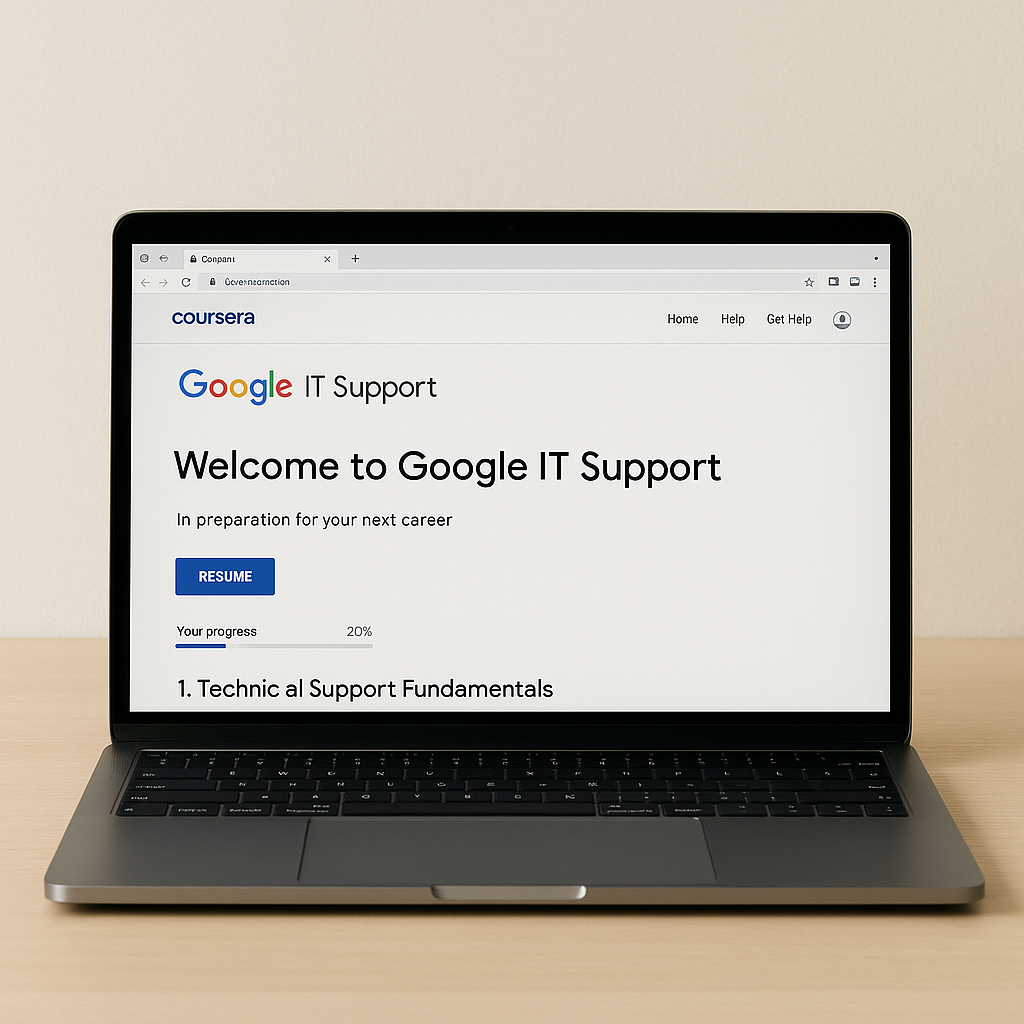
I went through the lessons using Coursera on my laptop and took all my notes in Notion. That setup helped me stay organized and track what I learned each week.
Putting It Into Practice
What made the program stick for me was how much of it felt like real life. The labs put you in situations that mimic what you’d see in an actual IT role. You set up virtual machines, troubleshoot login issues, and practice documenting what you did
By the end, I wasn’t just learning terms. I could confidently reinstall an operating system, reset user credentials, and explain what’s happening behind the scenes. That hands-on repetition is what helped me retain everything.
Learning IT isn’t about memorizing. It’s about staying patient, testing ideas, and working through the problem.
That approach is something I carry into every new skill I study. It keeps me grounded and reminds me to focus on progress, not perfection.
How It Prepared Me for the Next Step
The Google IT Support Certificate gave me the foundation I needed to move forward. The structure, terminology, and troubleshooting process overlap perfectly with the material I’m studying now.
It also taught me how to manage my time and organize study goals. The way the course was built—one concept feeding into the next—made it easier to create a consistent routine. Even on days when I only had thirty minutes, I could still make progress.
Google IT Support gave me direction. Everything else I’m learning now builds on that base.
Once I finished, I realized how much confidence I had gained. I wasn’t intimidated by technical topics anymore. Instead, I was curious to learn more.
My Study Routine

Consistency mattered more than speed. I didn’t rush through it. Here’s how I structured my study time:
- Morning Sessions: I studied before work while my mind was fresh.
- Notion Dashboard: Every course had a checklist and space for key terms or links to videos.
- Practice Labs: I used a spare laptop to experiment with Linux installs and network troubleshooting.
- Weekly Review: I’d write a short reflection on what I learned that week and where I needed to improve.
That small routine made a big difference. It kept me accountable and helped me see real progress over time.
Why This Certificate Matters
The Google IT Support Professional Certificate isn’t just another online credential. It gives you real technical literacy. You start to understand how systems connect, how problems develop, and what it takes to keep technology running smoothly.
For me, it opened the door to a completely new world. It showed me that tech isn’t some mystery for a select few—it’s a system anyone can learn if they’re curious enough.
The Google IT Support Certificate showed me that tech isn’t about being the smartest person in the room. It’s about being the most curious.
The certificate also carries weight in the industry. It’s recognized by employers and often listed as a qualification for entry-level support roles. But even beyond that, it’s proof to yourself that you can commit, finish, and apply what you’ve learned.
Looking Ahead
Finishing the Google IT Support Professional Certificate gave me something solid to build on. It helped me prove that I can learn this field one step at a time. The material was clear, the labs were realistic, and the lessons stuck with me.
The more I learn about IT, the more I realize it’s not just about fixing systems. It’s about understanding them well enough to improve them.
I’m continuing to study and refine what I’ve learned. The certificate gave me confidence, direction, and a framework for how to approach technology the right way. For anyone thinking about getting into IT, I’d recommend starting here. It’s a smart first move toward something bigger.